How to Redeem Roller for Animals Codes
Exact in-game steps, reward checks, and what to do when a code fails.
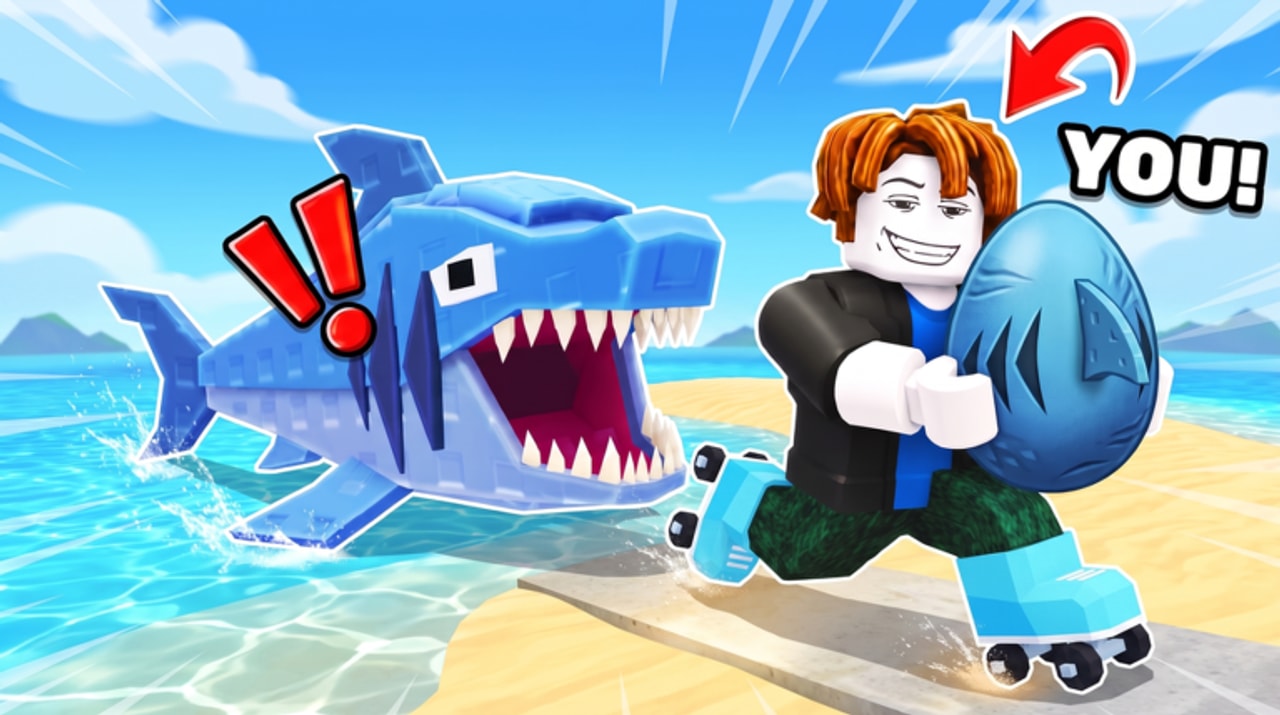
Redeeming codes in Roller for Animals takes under a minute once you know where the UI lives. This guide walks through the full flow for PC and mobile, explains how to confirm that rewards actually landed, and covers the failure messages players hit most often. Pair it with the Codes Hub for strategy on when to check for new drops.
Before you start
- Launch Roller for Animals from the official Roblox experience page (created by Need Money for M3).
- Wait until you fully load into a server and can move your character. Codes panels often appear only after the HUD finishes initializing.
- Have the code ready to paste or type. Do not store passwords in the same note as codes—redeem only inside Roblox.
- If you just created the account, finish any mandatory tutorial prompts so menu buttons are not blocked.
Step-by-step: redeem on PC
- Look at the left or top edge of the HUD for a button labeled Codes, a gift icon, or a Twitter/X-style promo icon. Layout can shift after updates, so scan every corner once.
- Click the button to open the redeem window.
- Click the text field and enter the code exactly as shown by the creator or announcement—including capital letters if the code is case-sensitive.
- Press the claim / redeem / submit button.
- Watch for a success toast or reward popup. Then check cash, inventory, eggs, and your Pen.
If the window closes with no message, reopen it and look at your currency counters anyway. Some rewards apply silently.
Step-by-step: redeem on mobile
- Rotate to landscape if buttons feel cramped—many Roblox UIs hide labels in portrait.
- Tap the Codes / gift control on the HUD. If you only see a hamburger or gear menu, open that first and look for Codes inside.
- Long-press the text box and paste if you copied the code from another app. Manual typing on a phone is the number-one source of typos.
- Tap claim, then swipe through your Pen and backpack to confirm eggs or items arrived.
Mobile players should still follow the same progression advice after redeeming: hatch eggs, then invest in speed and rollers before chasing long steals.
How to confirm the reward
Successful redeems usually grant one or more of the following:
- Currency — cash jumps on the HUD; spend it on mobility first.
- Eggs — appear in inventory or drop straight into systems tied to your Pen; hatch them so animals start earning.
- Boosts or trails — check equip menus; trails can help visibility while rolling.
- Cosmetic items — fun, but secondary to completing the steal loop described in Steal Eggs.
If you received eggs, treat them like a head start: secure them in the Pen, hatch, then run a short farm route using tips from Cash Farming.
Common errors and fixes
Invalid / incorrect code
Re-type carefully. Watch for capital O vs zero, lowercase L vs one, and hidden spaces when pasting from chat apps.
Expired code
Launch and milestone codes often die within days. Move on—no amount of retries will revive an expired string.
Already redeemed
Most codes are one claim per account. Alts are against Roblox rules in many contexts and are not recommended; just keep playing on your main.
Nothing happens
Rejoin the server once, disable experimental UI scales if you use them, and try again. Confirm you are in Roller for Animals and not a similarly named experience.
Reward missing after success
Check every storage surface: backpack, Pen slots, equipped trail slot, and cash. Then leave and rejoin once. If it is still gone, note the time and code source for your own records—fan wikis cannot restore items.
Safety rules
- Never enter your Roblox password on a “code generator” site.
- Never share account cookies or session tokens with people offering “free codes.”
- Prefer redeeming while you are already in a private or calm public server so you are not mid-steal when the UI steals focus.
- After claiming, close the codes window before you start a long egg run so accidental taps do not cancel movement.
What to do right after redeeming
- Hatch any new eggs.
- Sell or stash animals according to your income plan.
- Buy the next affordable speed or roller upgrade.
- Run one clean steal to confirm your new power spike.
- Bookmark the Codes Hub and skim Updates later that day for patch-tied rewards.
New players should continue with Getting Started so freebies fold into a coherent first hour instead of random shopping.
Related pages
- Codes Hub — why codes matter and how to verify them
- Getting Started — beginner loop after rewards land
- Players Controls — if the Codes button is hard to tap on your device
- Scripts Hub — separate from codes; read the safety section first
Frequently Asked Questions
Quick answers for codes, steals, upgrades, and more.
Where is the Codes button in Roller for Animals?
It is usually on the main HUD as Codes or a gift icon. If you cannot see it, finish the tutorial, rejoin once, and check menus on both PC and mobile layouts.
Do codes work on mobile?
Yes. Open the same Codes UI, paste carefully, and claim. Landscape mode often makes the button easier to find.
Can I redeem the same code twice?
Almost never. Most promo codes are limited to one successful claim per Roblox account.
Should I redeem before or after upgrading?
Redeem first, hatch eggs, then spend new cash on speed and rollers so your next steals are safer.
Why will this wiki not list exact code strings?
Unverified lists go stale fast and spread fakes. Redeem in-game and confirm with recent creator videos instead of copying outdated text.