Roller for Animals Keyboard and Mobile Controls
Dial in movement and camera so steals end in your Pen—not a wall.
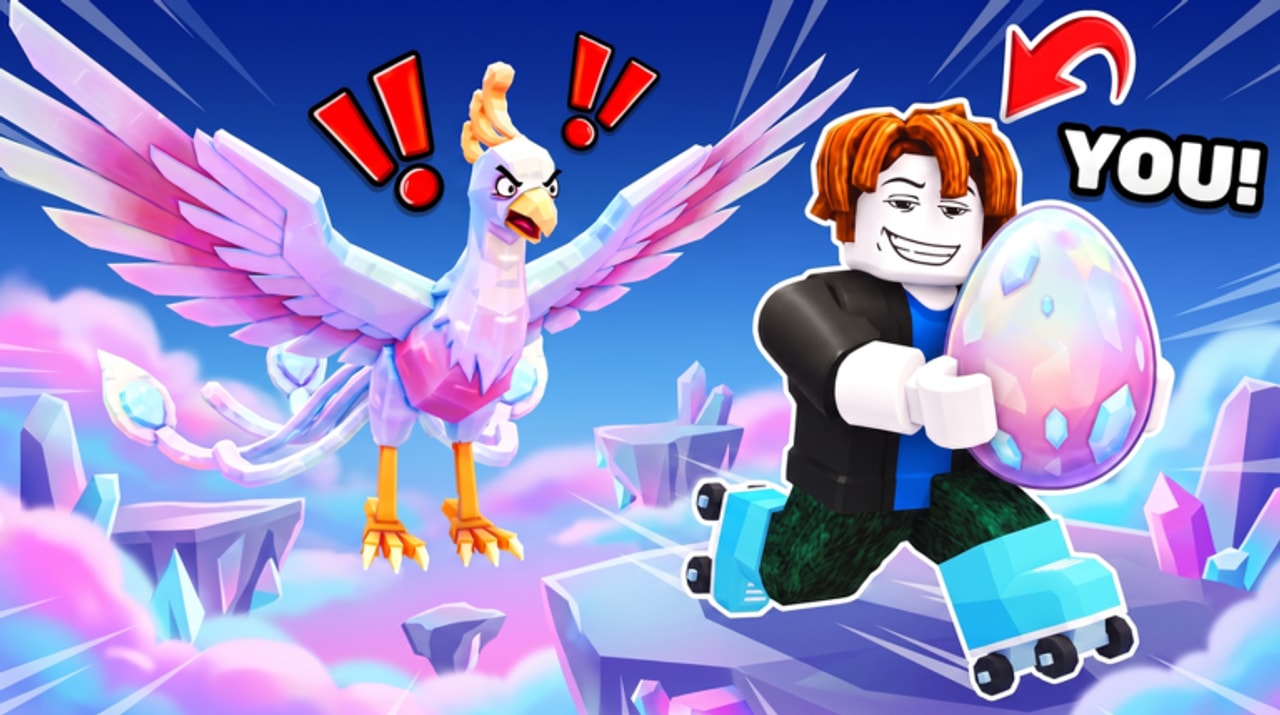
Good controls turn expensive rollers into completed steals. This page explains how to move, look, and use the HUD in Roller for Animals on both keyboard and touch devices. It complements the habits on the Players Hub and the route advice in Steal Eggs.
Roblox experiences share a default movement layer, while each game adds its own buttons for codes, shops, Pens, and upgrades. Learn both layers before you chase contested eggs.
Default Roblox movement (PC)
| Action | Typical input |
|---|---|
| Move | WASD |
| Jump (if enabled) | Space |
| Camera | Mouse move / right-click drag |
| Zoom | Mouse wheel |
| Sprint / shift-lock | Depends on your Roblox settings |
| Interact / pick up | E or on-screen proximity prompt |
In a roller-focused tycoon, treat steering smoothness as more important than jump tech. Most failed returns come from overcorrecting the camera while at top speed.
PC setup tips
- Enable a comfortable camera sensitivity in Roblox Settings before a long session.
- Use shift-lock only if it helps you track the path home; turn it off if it makes wide turns worse.
- Keep the Codes and shop buttons unbound from frantic keys you mash while rolling.
- After buying a faster roller (Speed Upgrades), do one empty lap before stealing—muscle memory lags gear upgrades.
- Click the game window if input feels dead; focus loss is a common PC trap.
Mobile controls
| Action | Typical input |
|---|---|
| Move | Dynamic joystick |
| Camera | Swipe on open screen space |
| Jump | On-screen button if present |
| HUD menus | Tap icons (Codes, shop, Pen UI) |
| Pick up egg | Tap the proximity prompt |
Mobile setup tips
- Play in landscape so the Codes button and movement stick do not overlap.
- Lower camera sensitivity until you can arc around corners without spinning.
- Use a light grip; death-clenching the phone causes jittery sticks.
- Pause near your Pen to open menus—never open the treadmill shop mid-return.
- Consider a cleaner private moment for redeeming codes (How to Redeem Codes).
- Increase joystick size in Roblox touch settings if your thumb slips off the pad.
Game-specific HUD controls
Exact icon art changes with patches, but you should locate:
- Codes — redeem promo rewards (Codes Hub).
- Upgrade / shop panels — speed, rollers, treadmill, trails.
- Pen / animal management — hatch, equip, sell decisions (Animals Tier List).
- Index or collection UI — track what you have seen.
If a button vanished after an update, rejoin once and check Updates for UI notes before assuming your device is broken.
Control drills (five minutes)
- Figure-eight empty-handed around the Pen until turns feel boring.
- Brake mark practice: pick a landmark before the Pen and slow every time.
- Camera reset: intentionally mess up the camera, then recover facing home.
- One live steal on the nearest egg using the same calm inputs.
- Repeat after a roller buy so new top speed does not surprise you into a wall.
These drills help more than rereading theory when you keep dropping eggs.
Common input failures and fixes
Character will not move
Recapture window focus on PC, or dismiss system overlays on mobile.
Prompt will not appear
Get closer, stop sprinting past the egg, and wait a beat for replication.
Camera stuck
Reset zoom, toggle shift-lock, or rejoin once.
High ping rubber-banding
Switch servers; even small lobbies suffer on overloaded regions.
Accidental menu opens mid-steal
Close HUD panels before long routes; practice thumb placement on mobile.
Accessibility and comfort
- Increase UI scale if shop text is unreadable—just recheck that icons still fit on screen.
- Take breaks; sweaty hands destroy mobile accuracy.
- On shared PCs, confirm you are not inheriting someone else’s inverted camera.
- If you use a clip-on controller, remap in Roblox settings and re-test egg prompts.
Controls plus progression
Controls skill multiplies every other system:
- Better steering → successful steals → better animals → cash → better rollers (Rollers Tier List).
- Stable camera → fewer menu mis-taps → fewer accidental sells.
- Calm inputs → you do not “need” risky automation from the Scripts Hub.
- Clean returns → Cash Farming loops that actually fund upgrades.
New players should finish Getting Started the same day they tune sensitivity.
Related pages
Frequently Asked Questions
Quick answers for codes, steals, upgrades, and more.
What are the keyboard controls?
Use WASD to move, the mouse for camera, and on-screen HUD buttons for codes, shops, and Pen management. Egg pickups usually use a proximity prompt (often E).
How do I play on mobile?
Use the joystick and swipe camera in landscape mode, lower sensitivity for smoother turns, and open menus only when safe.
Why does a faster roller make me crash more?
Your old turn timing no longer fits. Do empty practice laps after every major mobility upgrade.
Where is the Codes button?
On the main HUD as Codes or a gift-style icon. See How to Redeem Codes if you still cannot find it.
Can I remap keys?
Roblox settings cover some camera and movement options. Game-specific HUD buttons are usually tap/click based rather than custom keybinds.